How to build and share a routine on Gymdoer
Oct 15, 2026
Create a workout without an account, follow it on your phone, and send one link on WhatsApp.

Gymdoer is built for one job: turn a list of exercises into a followable plan you can send to someone else.
Start from the library or the builder
Browse exercises when you want demos and filters. Open any move to watch the video, then add it to a new routine from the page — or jump straight to Build and search as you go.
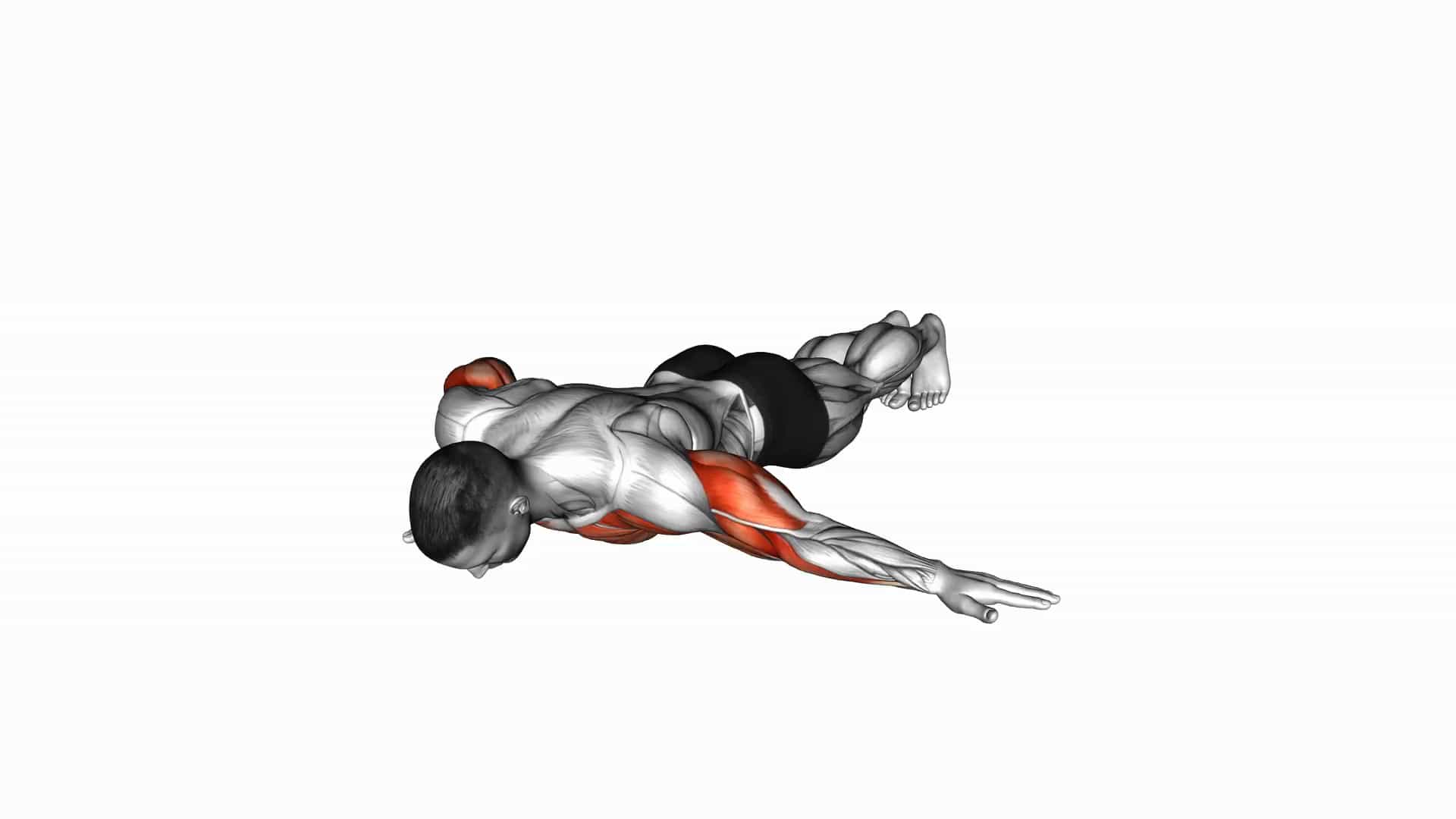
Here are two simple bodyweight options you can drop into a starter session:
Build the plan
In the builder you can:
- Add exercises in the order you will do them
- Split work across days if you are planning a week
- Set sets, reps, and rest so the follow screen is ready to use
When you save, Gymdoer gives you a public link like /r/…. No account required.
Share and customize
Send the link on WhatsApp, Messages, or email. Anyone who opens it can:
- Follow the workout step by step
- Customize a copy into their own routine if they want different moves or numbers
Prefer a ready-made plan? Start on Routines, open one you like, and customize from there.
Keep it useful
A shareable routine is clearest when each exercise has sets and reps filled in, and the day labels match how you actually train. Update the same link when you change the plan — or save a customized copy and share the new one.